


Zoccer Login: How to Access Your Account
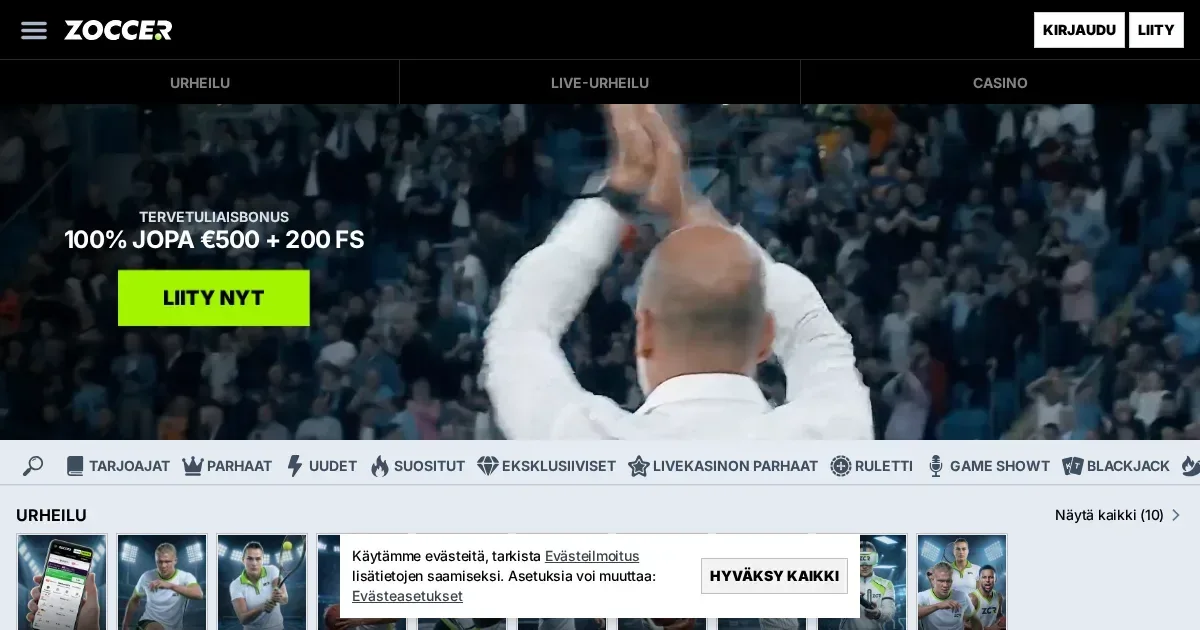














Your Zoccer account lives at the operator's own site, and only the operator can verify, restore or unblock it. This page explains how signing in works and where to turn when it doesn't.
Signing in to your account
- Open the operator's site at zoccer.com.
- Use the sign-in control.
- Enter the email address and password you chose at registration.
- Confirm to reach your account.
No account yet? Registration happens at the operator too.
Signing in from a phone
The operator's site works in a mobile browser. The same email and password you use on desktop sign you in on a phone. Your account is the same across devices.
When sign-in fails
A handful of causes prevent access. Each has its own fix:
- Wrong email or password – check for typos, caps lock, or extra spaces.
- Unverified account – check your inbox for a confirmation link from the operator and follow it.
- Account under verification – the operator may ask for documents before granting access. Check your email for a request and respond in full.
- Self-exclusion in force – if you set a break, the account stays closed until that period ends. Contact support if you need help or information about responsible play resources.
- Browser session expired – clear cookies and try again, or open the site in a private window.
Getting back in after a forgotten password
Use the operator's password reset route. A link arrives at the email address on the account. Follow it and set a new password.
If the email you used at registration is no longer reachable, contact the operator's support directly. Have your account details ready: the email you registered with, your name as it appears on the account, and when you last accessed it.
Why an account gets blocked
Verification holds are the most common cause. The operator requests documents to meet regulatory requirements, and access is limited until you provide them. The email asking for documents names what is needed and where to send it.
Self-exclusion closes the account for the period you chose. That closure is deliberate and cannot be bypassed before the term ends.
Inactive accounts may be suspended. If you haven't logged in for 180 days, the operator considers the account inactive and charges a 5 EUR monthly administration fee until the balance reaches zero.
Who to contact when you need help
The operator's support channels are live chat and email at [email protected]. Both are available 24/7.
Have these details ready before you write:
- The email address registered on the account.
- When the problem started.
- The exact message shown on screen, if any.
Support responds faster when they don't need to ask for these details first.
Keeping your access safe
Sign in only at the operator's own address – typed directly into the browser or reached through a bookmark you made yourself. Never follow a link in an email or a message claiming to be from the operator.
Use a password you've used nowhere else. If another site is breached, a unique password keeps this account separate.
Sign out when you finish, especially on a shared device. An open session on someone else's phone or computer is an open door.
Gambling should be entertainment, not a chore. If it ever stops feeling that way, free and confidential support is available at BeGambleAware.org or by calling the National Gambling Helpline on 0808 8020 133 (free, 24/7). You must be 18 or over (18+) to use this site.
Frequently asked questions
What do I need to sign in to my Zoccer account?
You need the email address and password you chose when you registered. Open the operator's site, use the sign-in control, and enter those credentials.
Can I sign in to Zoccer from my phone?
Yes. The operator's site works in a mobile browser. Use the same email and password you use on desktop.
What should I do if I've forgotten my Zoccer password?
Use the operator's password reset route. A link arrives at your registered email address. Follow it to set a new password. If that email is no longer reachable, contact support directly with your account details.
Why won't my Zoccer account let me sign in?
Common causes include wrong credentials, an unverified account, verification documents requested by the operator, or self-exclusion in force. Check your email for requests from the operator, and contact support if you're unsure.
Game Providers